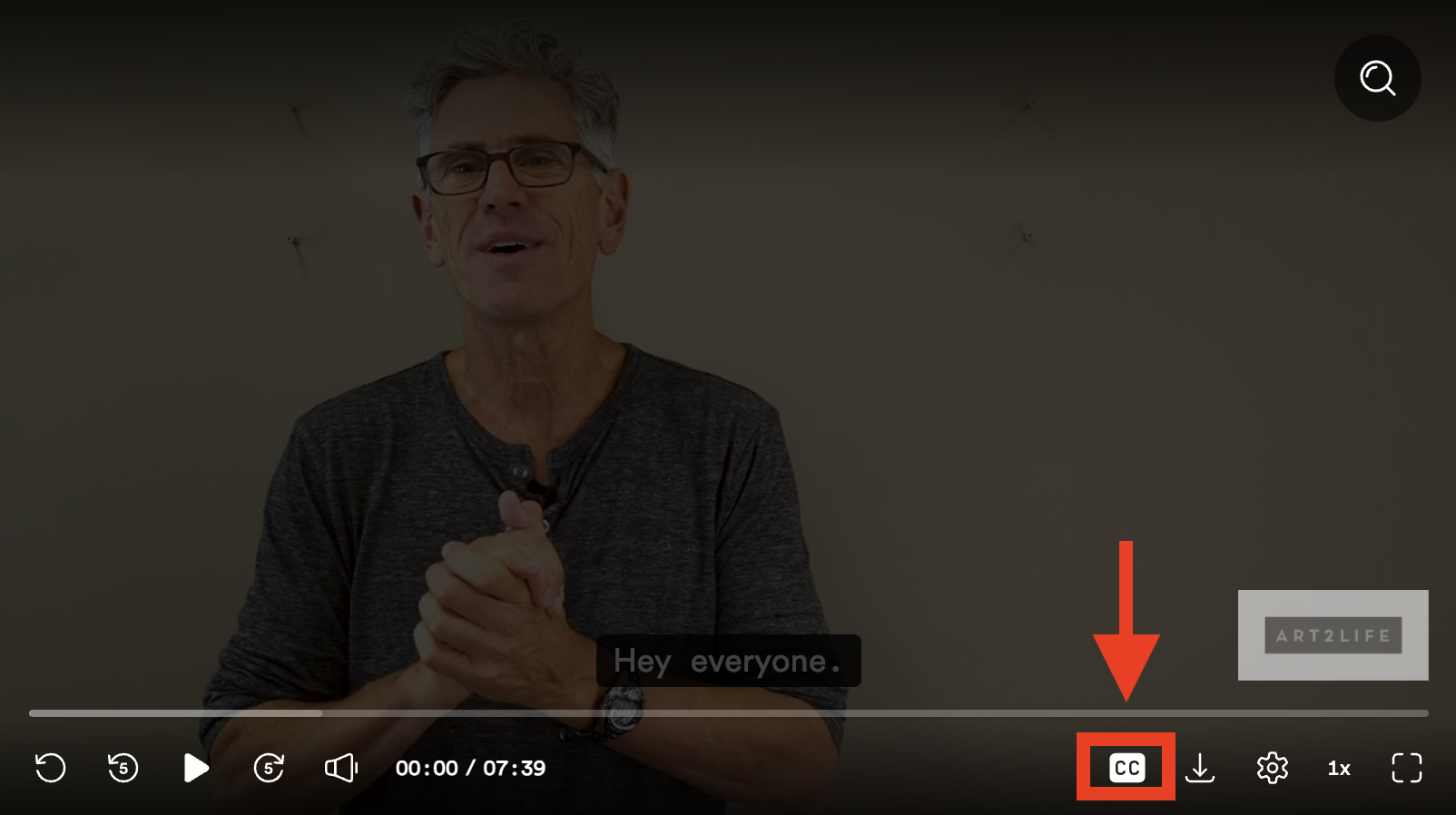

Here are some instructions on how to turn captions on and off.
• Begin by clicking the “play” icon on the video.
• Once the video has begun playing, move your cursor over the video while it is playing or click again on the video to pause it. You will see a small "CC" icon in the lower right corner of the video. Click on this "CC" icon to turn captions on. Click again to turn the captions off.