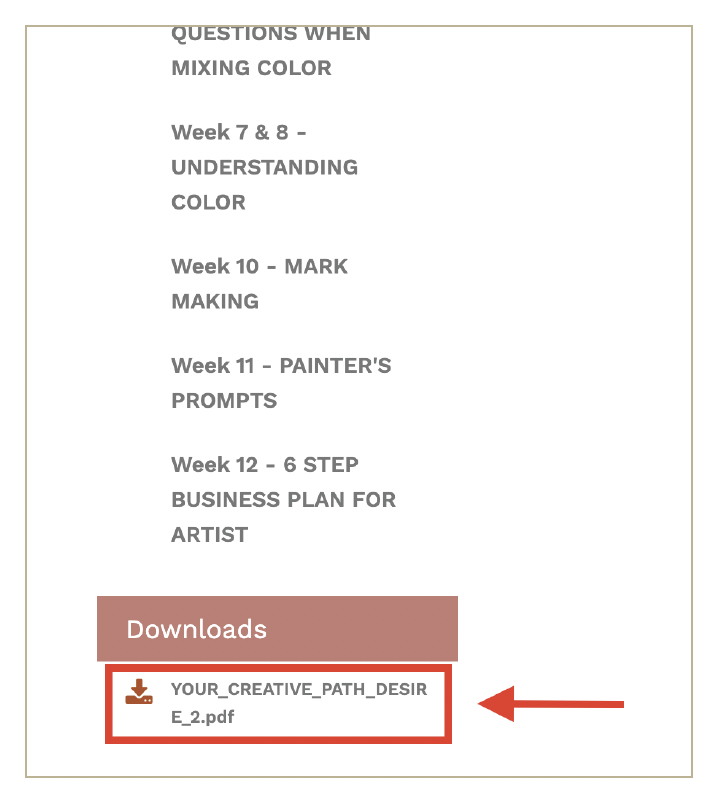

Here are instructions on how to download any PDF in the program:
All instructions below are based on using a desktop/laptop computer across all web browsers. Any Modules that include one or more PDFs available for download will have a “DOWNLOADS” section at the bottom left-hand corner of your screen. PDFs will have a “.pdf” at the end of the name of the file.
Click on the PDF you wish to download. Your download will begin automatically. When the download is finished, it will be in the “Downloads” folder on your computer. If you have any additional questions or concerns, contact Technical Support at info@art2life.com.
Please note that on phones or tablets, this process may be different. Check with the manufacturer of your device to learn where your downloads are stored.